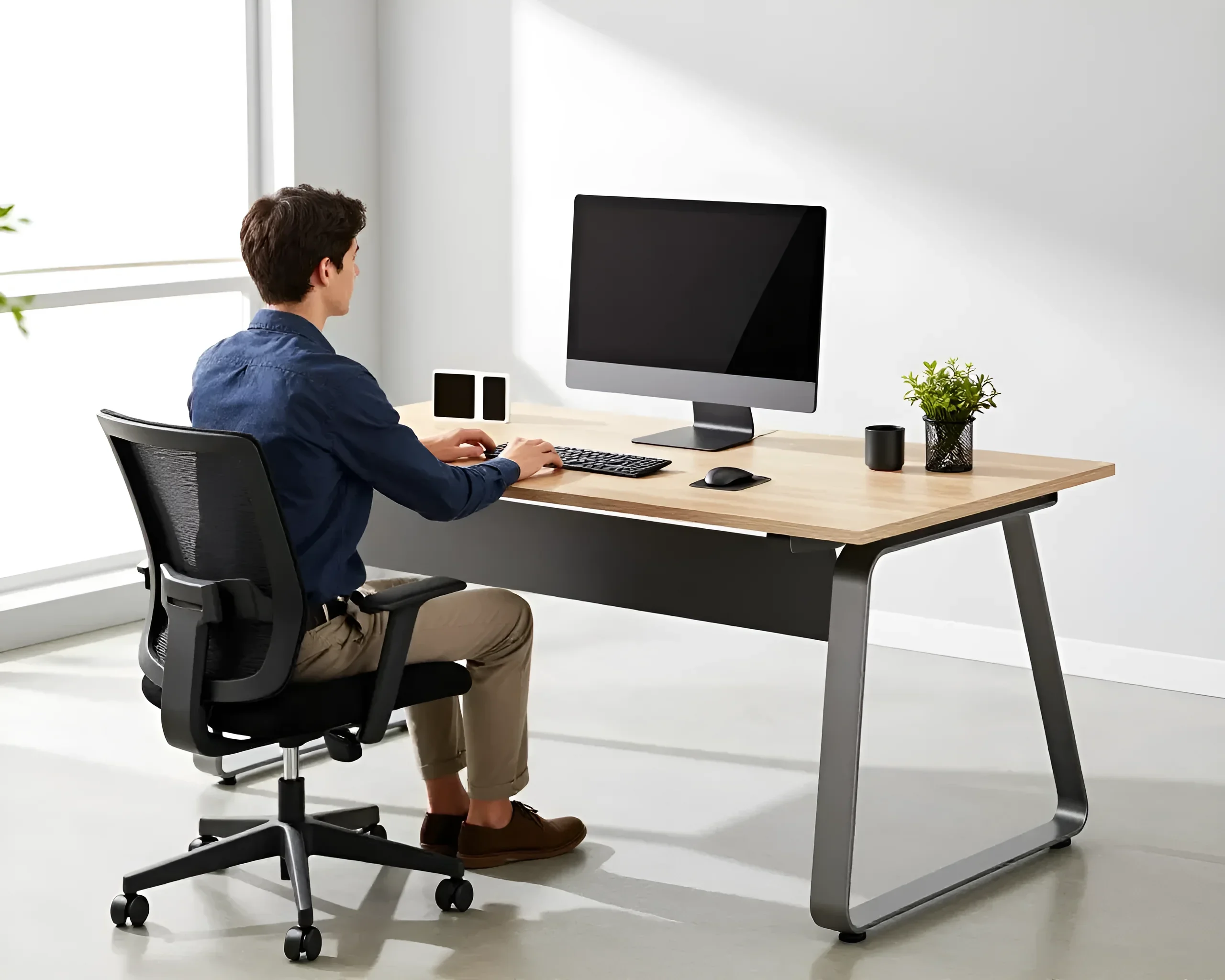
The transition to remote work dictates new requirements for organizing your home space. If previously a kitchen table or sofa was enough for checking email, then a full eight-hour workday requires a professional approach to furniture selection. An incorrectly chosen office desk can cause pain in the back, neck, and wrists, and also reduce overall productivity due to rapid fatigue. In this article, we will thoroughly discuss how to choose an office desk for remote work that will last for decades and preserve your health.
Choosing the Ideal Office Desk for Remote Work: A Complete Guide
Choosing a desk for home differs significantly from choosing furniture for a corporate office. At home, you are limited by space, existing interior, and personal habits. The main task is to find a balance between functionality and aesthetics. A remote work office desk is not just a piece of particleboard on four legs; it is a complex engineering design that must consider your height, the type of equipment used, and even the nature of your work.
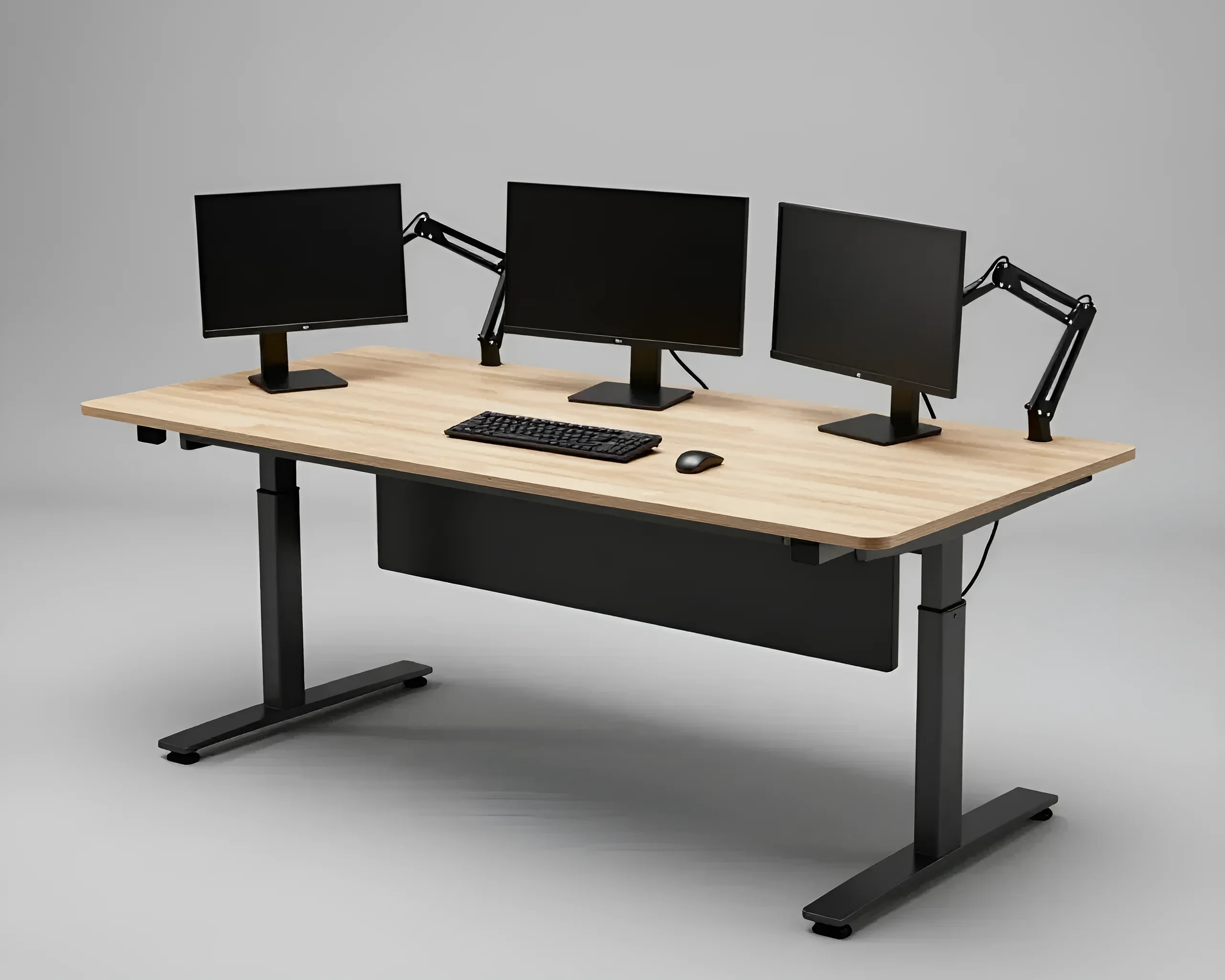
First of all, decide on your type of activity. If you are a programmer or graphic designer, you will need a deep tabletop to accommodate multiple monitors. If your work involves documents, the focus should be on storage systems and space for working with papers. For those who spend a lot of time on video conferences, not only the desk surface is important, but also its location relative to light sources and the ability to hide wires.
An important aspect is the psychology of the workspace. A separate, properly equipped desk helps the brain switch into “work mode.” Experts recommend choosing models with sufficient durability, as home use is often more intensive than office use: the desk may be used by children for homework or become a place for hobbies in the evening.
Types of Home Office Desks: From Compact Solutions to Ergonomic Complexes
The market offers a huge number of configurations, each solving specific tasks. Let’s consider the main categories:
- Straight (Linear) Desks. A classic option that easily fits into any interior. They are versatile but require a sufficient wall length. Optimal for working with a single laptop or monitor.
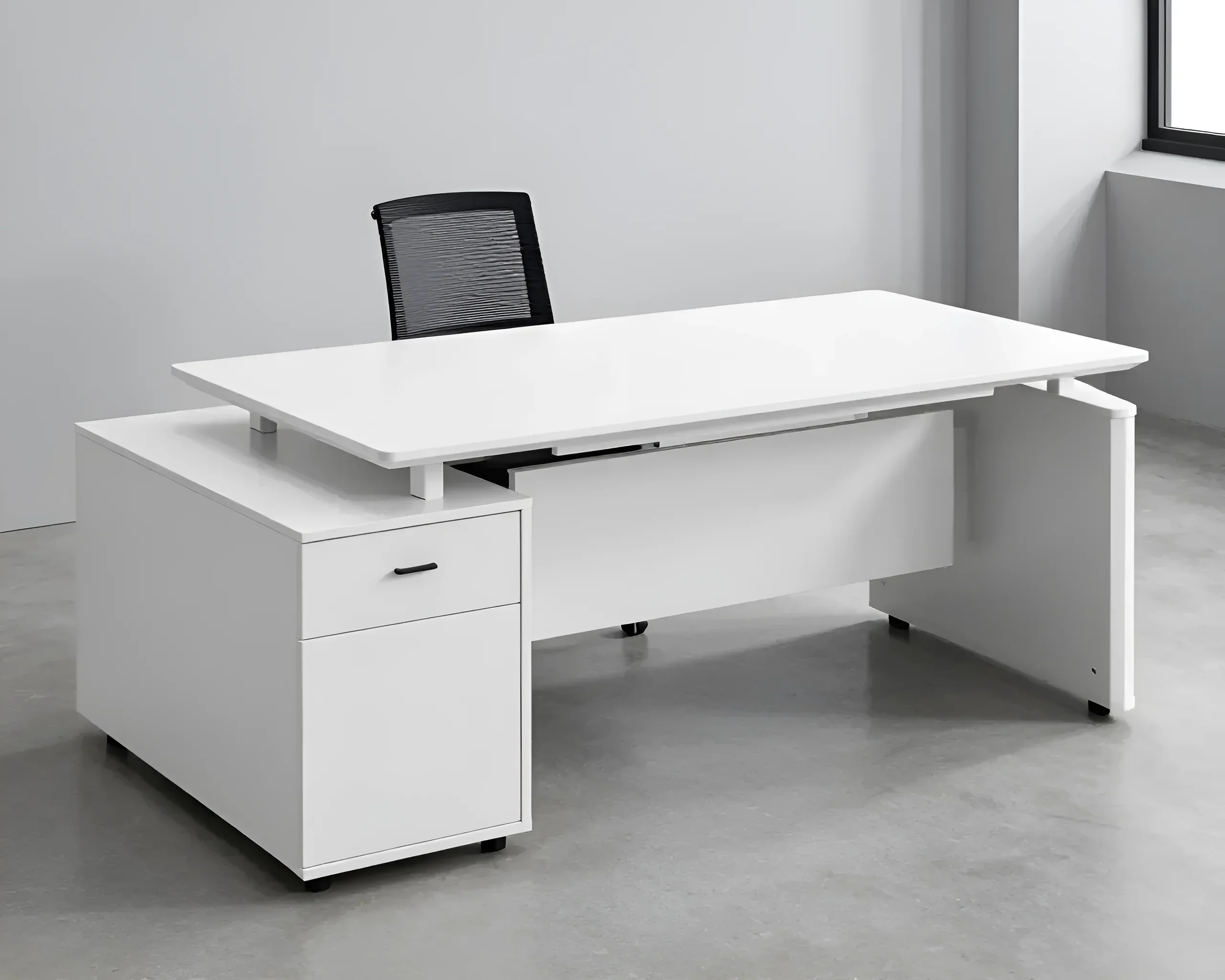
- Corner (L-shaped) Desks. An ideal solution for saving space. They allow you to divide the workspace into two parts: for example, a computer on one side and a printer or writing area on the other. Corner models provide more usable area for the same room footprint.
- Height-Adjustable Desks (Sit-to-Stand). The most modern and health-beneficial option. A mechanism (manual or electric) allows you to change the height of the tabletop, giving you the option to work sitting and standing. This is critically important for preventing spinal diseases.
- Compact Desks and Secretary Desks. Suitable for very small apartments. After work, the tabletop can be closed or folded, completely hiding the workspace and “turning off” the work process from the home atmosphere.
- Built-in Furniture Complexes. When the desk is part of a wardrobe or shelving unit. This allows for maximum efficient use of the room’s vertical space.
When choosing the type of desk, consider the chair’s movement path. Corner models require more maneuvering space, while straight desks allow for more compact office chairs. Also, pay attention to the presence of a “skirt” (back panel) – it gives the desk rigidity but can be a hindrance if you are used to stretching your legs far forward.
Office Desk Materials: What’s Best for Durability and Style
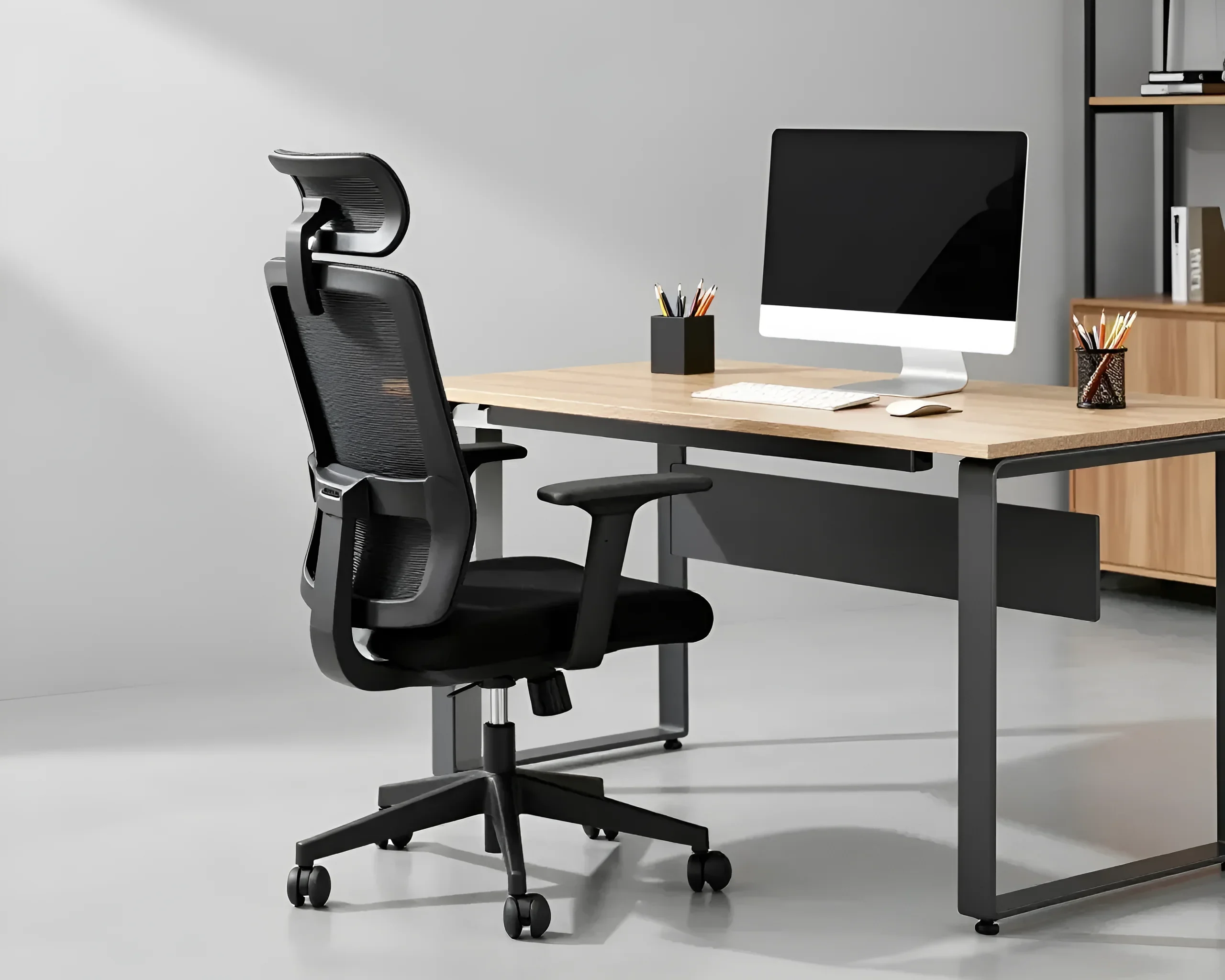
The material of the tabletop and frame directly affects the furniture’s lifespan and your tactile comfort. The following materials are most commonly used in office desk manufacturing:
1. Particleboard (Laminated Particleboard). The most popular and budget-friendly option. Pay attention to the tabletop thickness: for a work desk, it should be at least 18 mm, and preferably 22–25 mm. The formaldehyde emission class is important – for home use, strictly E1 or E0.5. The main drawback is the vulnerability of the edges to moisture, so choose models with 2 mm thick PVC or ABS edging.
2. MDF (Medium-Density Fiberboard). A denser and more environmentally friendly material compared to particleboard. MDF allows for rounded edges and milling, which enhances ergonomics (no sharp corners digging into forearms). The coating can be enameled, film, or veneered.
3. Solid Wood. Premium segment. Desks made of oak, ash, or beech are durable, pleasant to the touch (always warm), and look prestigious. However, wood requires care (maintaining room humidity) and is afraid of hot cups without coasters. For remote work, wood is an excellent choice as it creates a cozy atmosphere.
4. Metal. Usually, the base (frame) is made of metal. Powder coating protects against scratches. Metal legs make the desk stable, which is critical for fast typing or active mouse use.
5. Tempered Glass. Looks light and airy, visually does not clutter the room. However, glass is a cold material, and hands quickly get cold on it. Furthermore, it requires constant cleaning of fingerprints and can be noisy when interacting with the keyboard.
How to Choose an Office Desk: Ergonomics and Comfort First
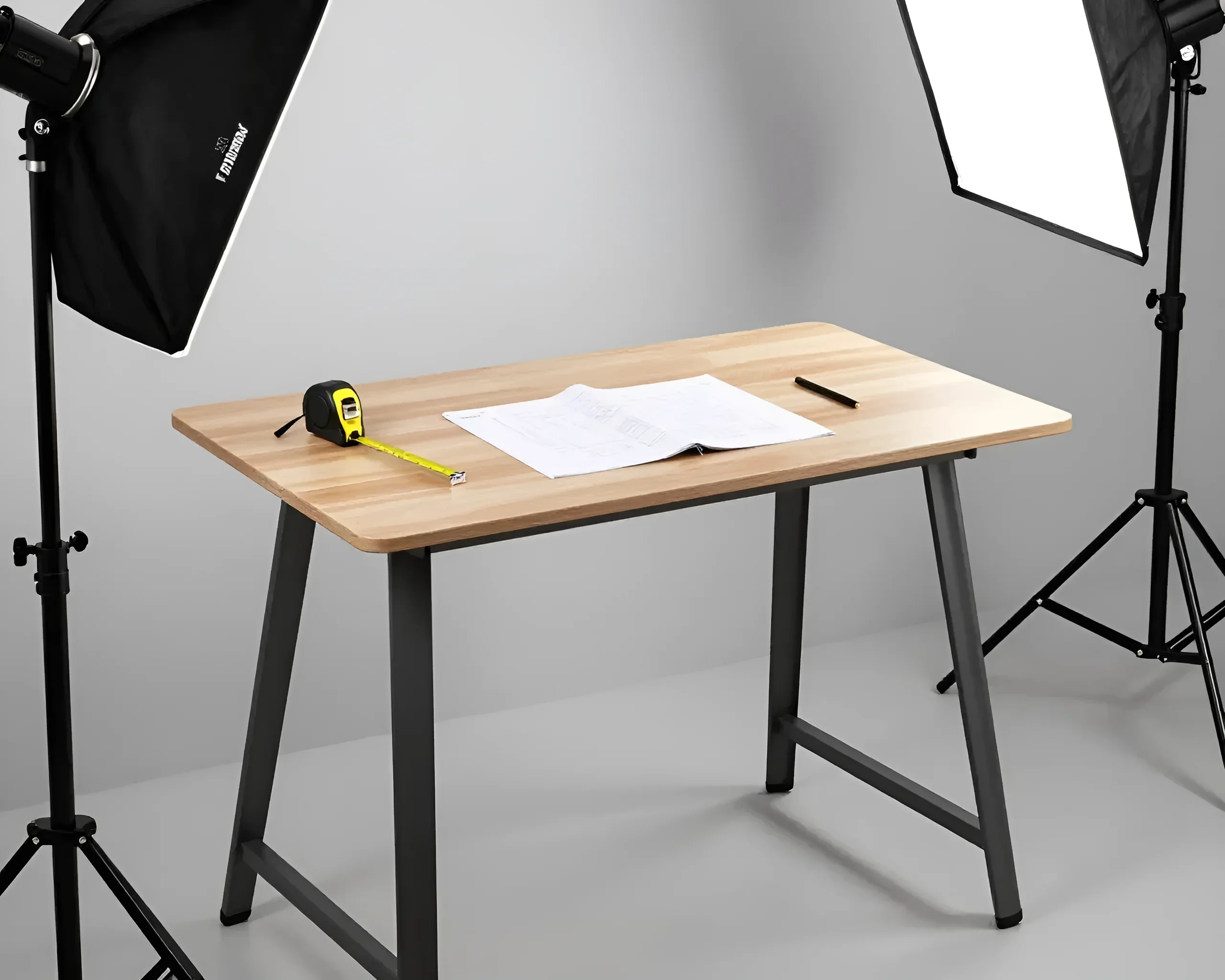
Ergonomics is the science of adapting the workspace to a person’s physiological characteristics. If the desk is chosen incorrectly, no expensive chair will save you from fatigue. The basic rules of ergonomics when choosing a desk:
- Tabletop Height. The standard is 750 mm. However, for people taller than 185 cm or shorter than 160 cm, this standard is uncomfortable. The ideal height is one at which your elbows are at tabletop level when bent, and your shoulders are relaxed.
- Desk Depth. Minimum is 600 mm, optimal is 800 mm. Depth is important for the correct focal distance to the monitor (minimum 50-70 cm). If the desk is too narrow, your eyes will tire quickly, and your elbows will hang down, creating strain on your shoulder girdle.
- Width (Length) of the Surface. For comfortable work, a minimum of 1000–1200 mm is required. If you use two monitors, aim for a width of 1400 mm or more.
- Legroom. The width of the leg opening should be at least 520 mm, and the depth at knee level should be at least 450 mm. Avoid desks with bulky pedestals that restrict freedom of movement.
Pay attention to the front edge of the tabletop. Ideally, it should have a slight bevel or rounding. A sharp 90-degree edge constricts blood vessels in the forearms during prolonged work, which can lead to numbness of the hands (carpal tunnel syndrome).
Office Desk Sizes and Dimensions: How to Find the Ideal Spot for Your Workspace
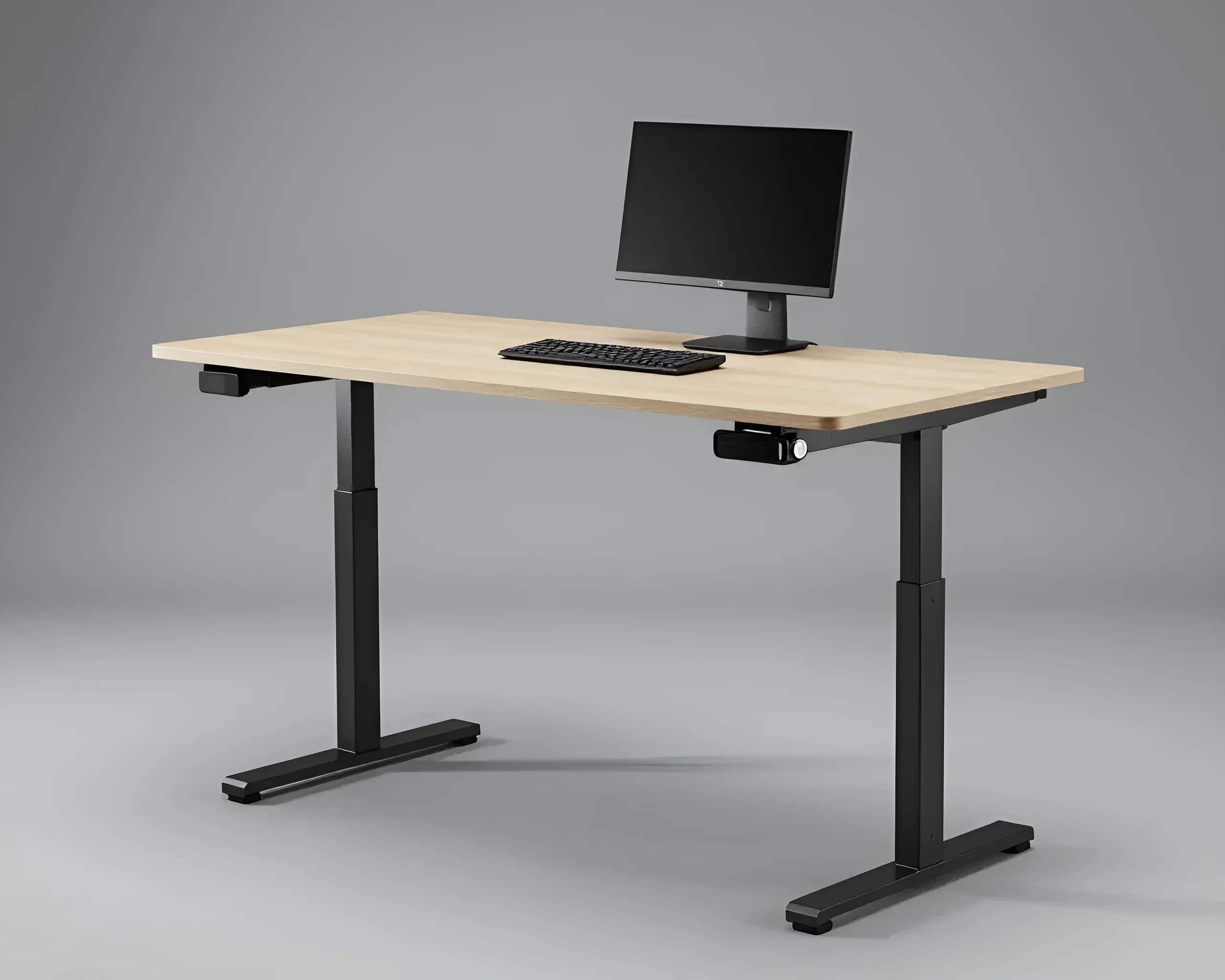
Before purchasing, be sure to measure your room. Remember that the desk occupies not only the actual tabletop area but also requires space for the chair and passage. Here are the technical parameters to consider:
Chair “Departure” Zone. Add at least 80–100 cm to the desk depth. This space is needed so you can freely move back and stand up. If there is a cabinet with hinged doors behind you, increase this distance to 120 cm.
| User Type | Recommended Width | Recommended Depth |
|---|---|---|
| Laptop only | 800 – 1000 mm | 500 – 600 mm |
| PC + 1 monitor | 1200 – 1400 mm | 600 – 700 mm |
| PC + 2 monitors | 1500 – 1800 mm | 700 – 800 mm |
If you plan to place the desk near a window, consider the windowsill height. Often, combining the tabletop with the windowsill is a successful solution, providing additional depth and excellent natural lighting. However, remember about heating radiators: there should be ventilation grilles in the tabletop above them so that warm air circulates freely and your feet do not overheat.
Office Desk Functionality and Additional Features: From Built-in Drawers to Height Adjustment

A modern office desk for remote work is a high-tech product. When choosing, pay attention to the following options that significantly simplify life:
- Cable Management. The presence of holes (pass-throughs) for cables with special caps, as well as trays under the tabletop for placing power strips. This eliminates the “beard” of wires under your feet.
- Built-in Outlets and USB Ports. Allow you to charge gadgets directly on the desk without bending down to the baseboard outlet.
- Storage Systems. Drawers should be on full-extension slides with soft-close mechanisms. If space is limited, consider hanging pedestals – they make floor cleaning easier.
- Add-ons and Shelves. Help raise the monitor to eye level, which is good for posture, and free up space on the main surface.
- Adjustable Feet. Help to level the desk perfectly even on an uneven floor, eliminating annoying wobbling.
Electrically adjustable desks deserve special attention. They allow you to change height at the touch of a button. When choosing such a model, look at the number of motors (two is better than one – higher load capacity and smoother operation) and the presence of a memory function for positions. This allows you to switch the desk from “sitting” to “standing” mode with one touch.
Office Desk Care: Extending the Life of Your Workstation
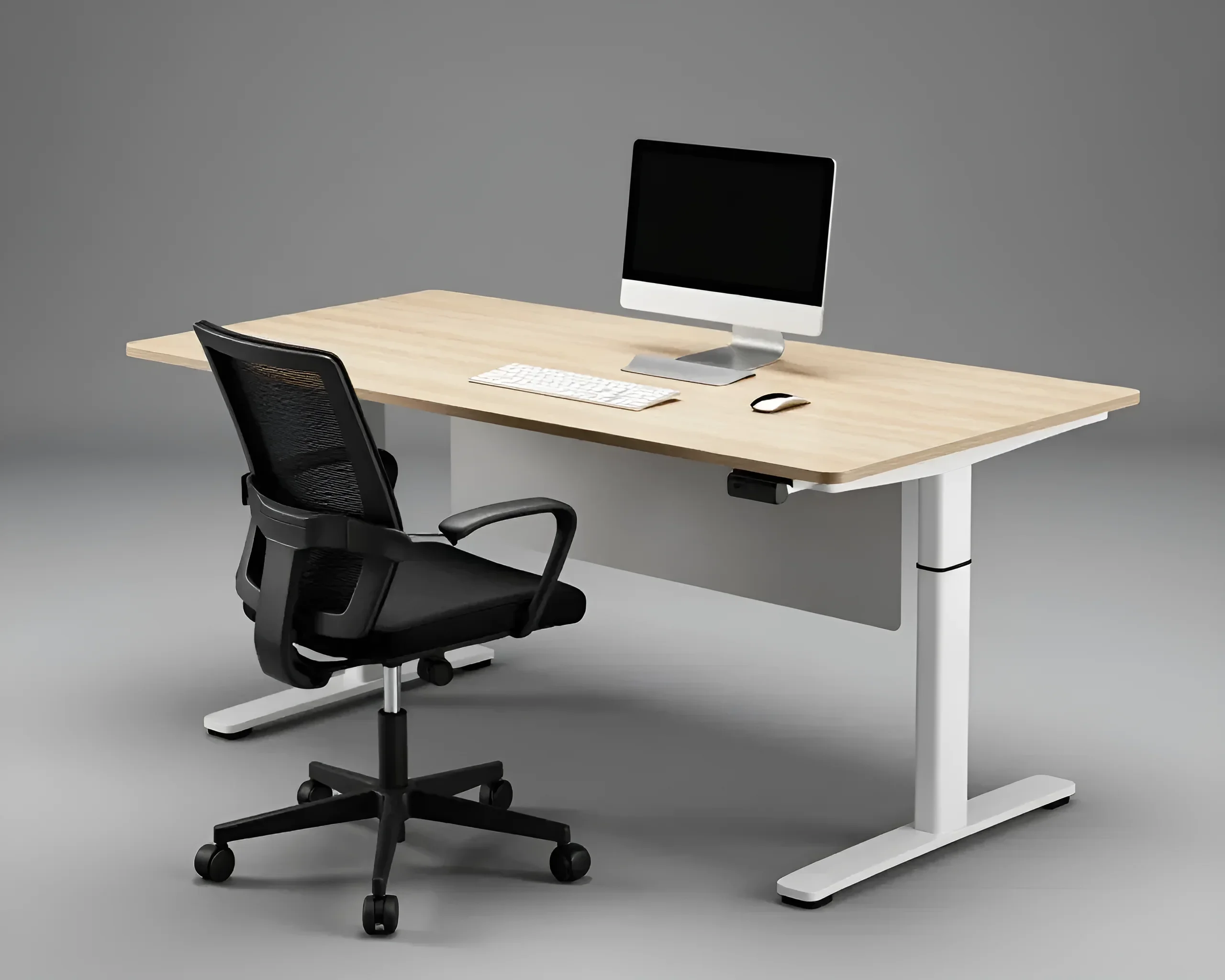
To keep your furniture looking its best for 10–15 years, you need to care for it properly. The rules depend on the material:
For Particleboard and MDF: Avoid excessive wetting of the seams. Wipe surfaces with a slightly damp microfiber cloth. Use a weak soapy solution to remove greasy stains (e.g., from food near the computer). Do not use abrasive powders or aggressive chemicals containing chlorine.
For Solid Wood: Every six months, treat the surface with special wax or oil (if the desk is oiled). Use coasters for mugs. Maintain humidity levels of 40-60% so that the wood does not dry out and crack.
General Tips:
- Do not place the desk in direct sunlight – any coating (even the highest quality) will fade and change color over time.
- Once a year, tighten the connecting screws and eccentric fasteners. Due to constant load and vibration during typing, fasteners can loosen, leading to frame instability.
- Use protective mats (desk pads). They protect the area under your forearms and keyboard from premature wear of the coating.
Top 5 Office Desks for Remote Work: Our Recommendations

Based on characteristics and user reviews, we have identified five optimal configurations for a home office:
- “Ergonomic Standard”: Straight desk made of MDF (25 mm) on a metal U-shaped frame. Dimensions 140×70 cm. Equipped with a cable channel. Ideal for most professions.
- “Professional Transformer”: Desk with electric height adjustment (650-1250 mm). Dual-motor frame, load capacity up to 100 kg. For those who care about their back.
- “Corner Giant”: L-shaped model 160×120 cm with an integrated pedestal. Suitable for those who work with a large volume of documents and equipment simultaneously.
- “Scandinavian Minimalist”: Desk made of solid pine or birch on thin legs. Compact size 100×50 cm. Fits perfectly into a living area, without turning the room into a strict office.
- “Techno-Center”: Desk with built-in wireless charging, USB hub, and a hidden compartment for wires. Tabletop finish – nanoplastic (leaves no fingerprints).
Frequently Asked Questions About Home Office Desks
What tabletop thickness is considered optimal?
For home use, 22–25 mm is optimal. A 16 mm tabletop can sag under the weight of heavy monitors on brackets, while 38 mm and above looks too massive in an apartment interior.
Is it worth buying a desk with a glossy surface?
For work – no. Gloss creates glare from lamps and monitors, which tires the eyes significantly. Moreover, every speck of dust and fingerprint is visible on it. Matte or textured surfaces are much more practical.
Do I need a pull-out keyboard tray?
In modern ergonomics, pull-out trays are considered an anachronism. They are often too low, forcing the user to slouch, and do not allow for comfortable mouse placement. It is better to choose a desk with sufficient depth (80 cm) so that the keyboard and arms lie completely on the tabletop.
How to check the quality of a desk when buying?
Try to shake the desk. A quality model should have no play. Check the edge: it should be glued perfectly evenly, without glue marks or chips. If the desk has drawers – they should open silently and smoothly.
Interesting Facts About Office Desks
- The first height-adjustable desks appeared in the 18th century, but they only became widespread in the 2010s after research on the harms of a sedentary lifestyle.
- According to research, a messy desk increases creativity for 20% of people, but reduces concentration for 80%. Choose a desk with storage systems if you belong to the majority.
- The color of the desk affects productivity: light wood and gray tones are calming, while bright white can cause excessive eye strain in bright light.
Choosing an office desk for remote work is an investment in your productivity and health. Do not skimp on dimensions and material quality, as you will spend a significant part of your life with this piece of furniture. By following our advice, you can create the perfect workspace that will delight you every day.