Choosing an office chair for your home study is a compromise between the high ergonomics needed for long hours of work and the aesthetics that should harmoniously blend into your living space. While commercial offices prioritize functionality and durability, a home office chair should be stylistically unobtrusive yet maximally effective in supporting your health. We, the experts at mebeltops.com, have prepared a detailed guide to help you find the ideal balance, ensuring comfort and longevity.
Types and Categories of Office Chairs: From Executive to Gaming
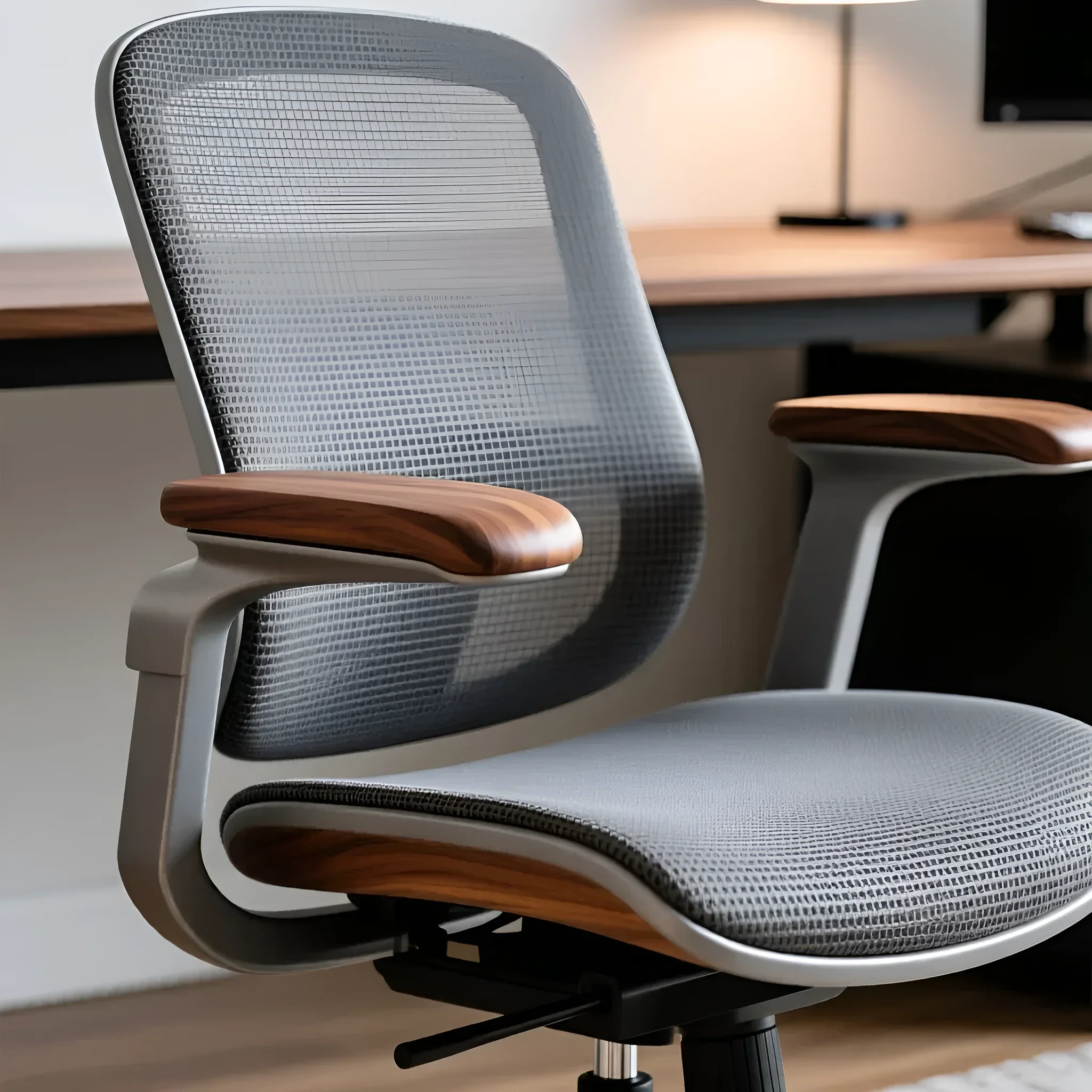
The market offers a wide variety of models, but for home use, it is crucial to understand their purpose and dimensions. Not all chairs designed for offices are suitable for apartments.
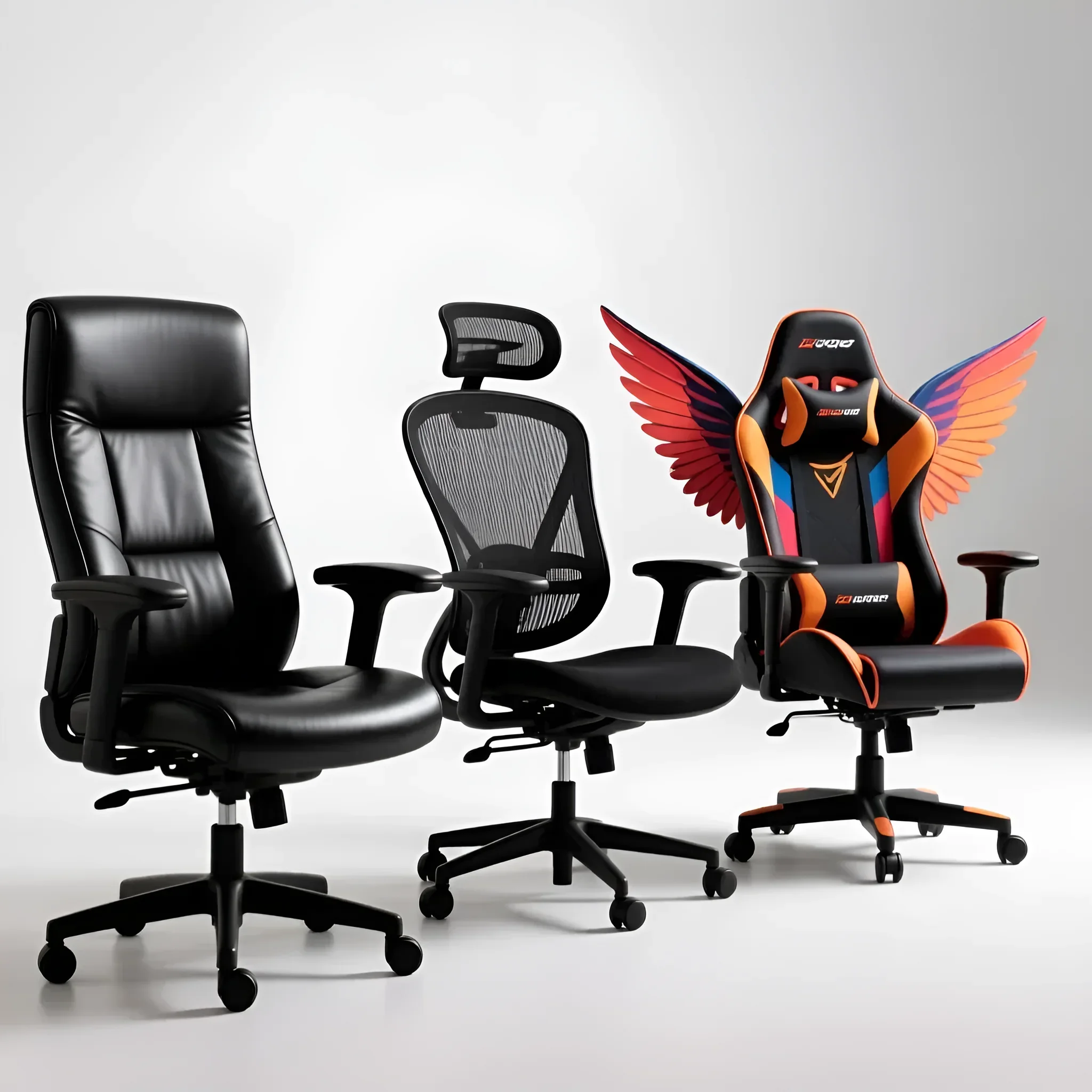
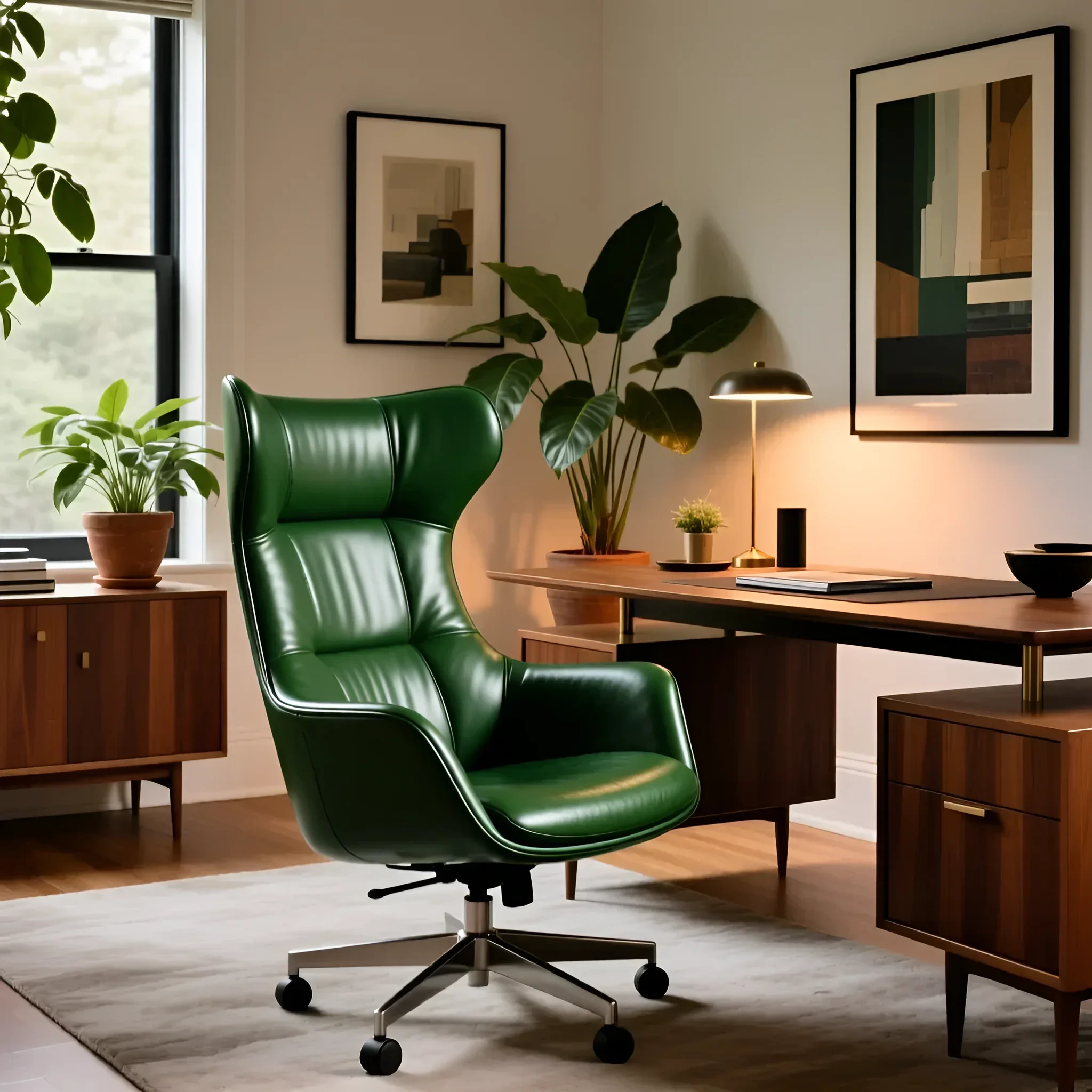
- Executive Chairs: Features: Massive, with a high back, wide seat, thick padding, and often upholstered in genuine or high-quality faux leather. Usually equipped with a Multiblock mechanism. Suitability for Home: Suitable for spacious studies in a classic style. They often appear too bulky in standard apartments and may be overkill in terms of functionality, but they offer a high level of comfort and a prestigious look.
- Task Chairs: Features: Compact, lightweight, with mesh or fabric upholstery. Designed for active work. The main focus is on adjustability and mobility. Suitability for Home: An ideal choice for small workspaces where design “lightness” and maximum ventilation are important. This is the most practical option for daily work of 6–8 hours.
- Ergonomic Chairs: Features: Designed to conform to the body’s anatomical curves. They have a complex adjustment system (lumbar support, seat depth, 3D/4D armrests). Often feature a futuristic or minimalist design. Suitability for Home: The best choice for those who spend more than 8 hours at their desk. Although they can be more expensive, they minimize the risk of back and neck problems.
- Gaming Chairs: Features: Visually aggressive design, pronounced side support, high back with integrated neck and lumbar pillows. Suitability for Home: Excellent for prolonged sitting as they are designed for multi-hour sessions. However, their bright, sporty style often clashes with home interiors. If you choose a gaming chair, look for models in neutral colors (black, gray) without contrasting inserts.
Practical Tip: For a home study with limited space, we recommend choosing functional task or ergonomic chairs, avoiding the excessive bulkiness characteristic of executive chairs.
Upholstery and Frame Materials: Finding the Balance Between Style and Durability
Materials determine not only the chair’s appearance but also its durability and comfort during prolonged sitting. In a home study, where temperature conditions can be less stable than in an office, material choice is critical.
Upholstery Material Comparison
| Material | Home Advantages | Disadvantages | Lifespan (with daily use) |
|---|---|---|---|
| Mesh | Excellent ventilation (ideal for summer), modern look, lightweight, easy to clean. | Susceptible to mechanical damage, some models can be stiff. | 5–7 years (depends on tension quality and material). |
| Genuine Leather | Premium look, high durability, easy to clean. | High price, poor breathability (hot in summer), requires special care. | 10+ years. |
| Faux Leather (PU, PVC) | Affordable price, leather imitation, easy to clean, stylish look. | Low breathability, prone to cracking and peeling with humidity/temperature fluctuations. | 2–4 years (depends on polyurethane quality). |
| Textile (Fabric) | Comfort, good breathability, wide color selection, low price. | Difficult to clean stains, can wear out over time. | 4–6 years (depends on fabric density, from 40,000 Martindale cycles). |
Expert Conclusion: For home use, where cleanliness and comfort are important, high-quality mesh or dense furniture textile are optimal. If you choose faux leather, ensure it’s high-grade PU leather, not cheap PVC, which cracks quickly.
Frame and Base Materials
- Plastic (Polyamide/Nylon): The most common and affordable option. Suitable for users weighing up to 100 kg. It’s important that the base has reinforcing ribs.
- Steel or Chrome: The most durable option. Ideal for users weighing 120+ kg. Chrome-plated steel looks more stylish and modern, but it shows fingerprints.
- Polished Aluminum: Premium option. Combines lightness, strength (often up to 150 kg), and a flawless, elegant appearance that fits perfectly into an expensive home interior.
Ergonomics First: How to Choose a Chair That Will Save Your Back
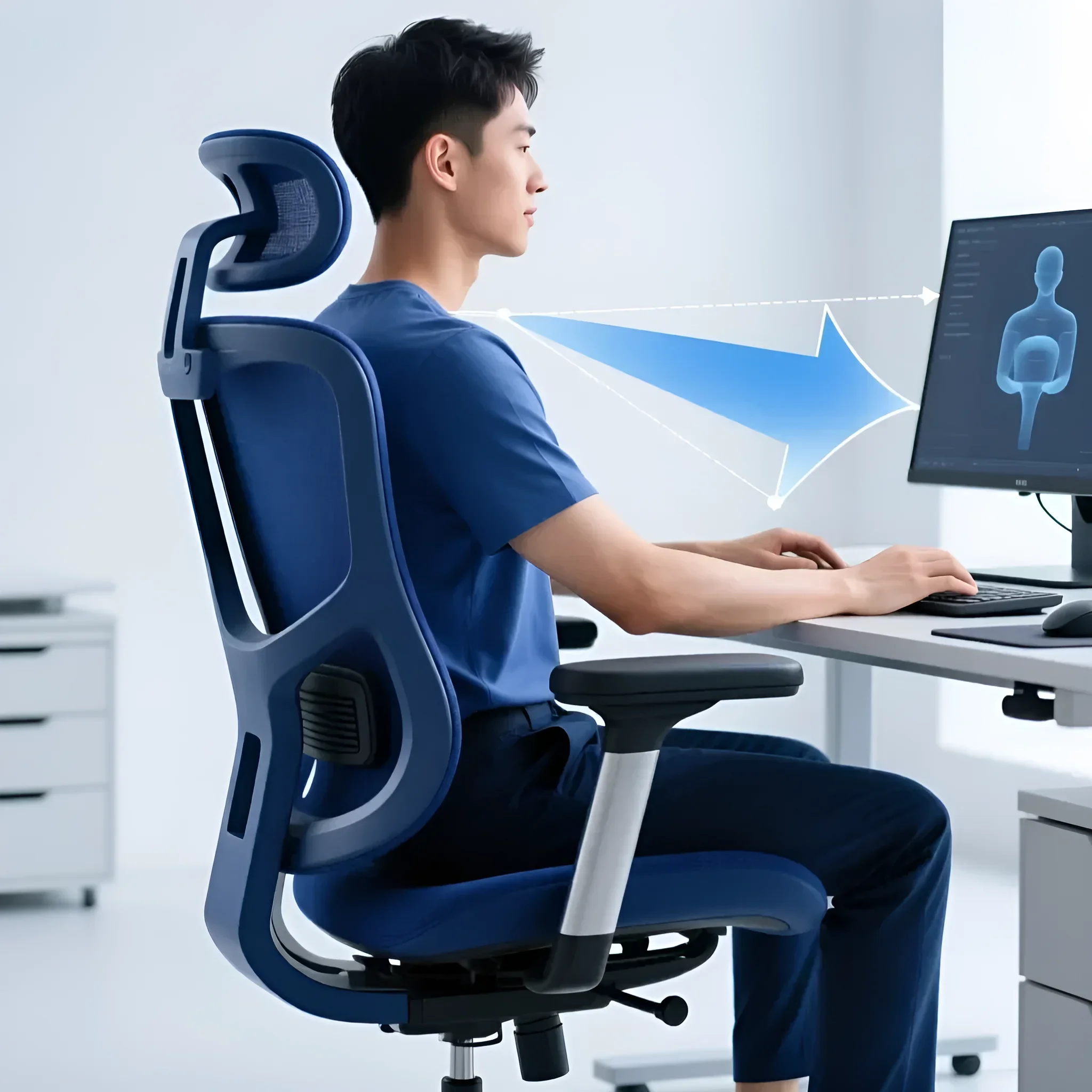
Ergonomics is not just a buzzword; it’s a set of functions that allow you to adjust the chair to your unique body parameters. If you work from home full-time, these functions become mandatory, not optional.
Key Ergonomic Elements
1. Lumbar Support Adjustment:
- Static: A fixed protrusion built into the backrest. Suitable if your anatomy matches the chair’s shape.
- Dynamic (Active): Lumbar support that changes position as the sitter’s posture changes.
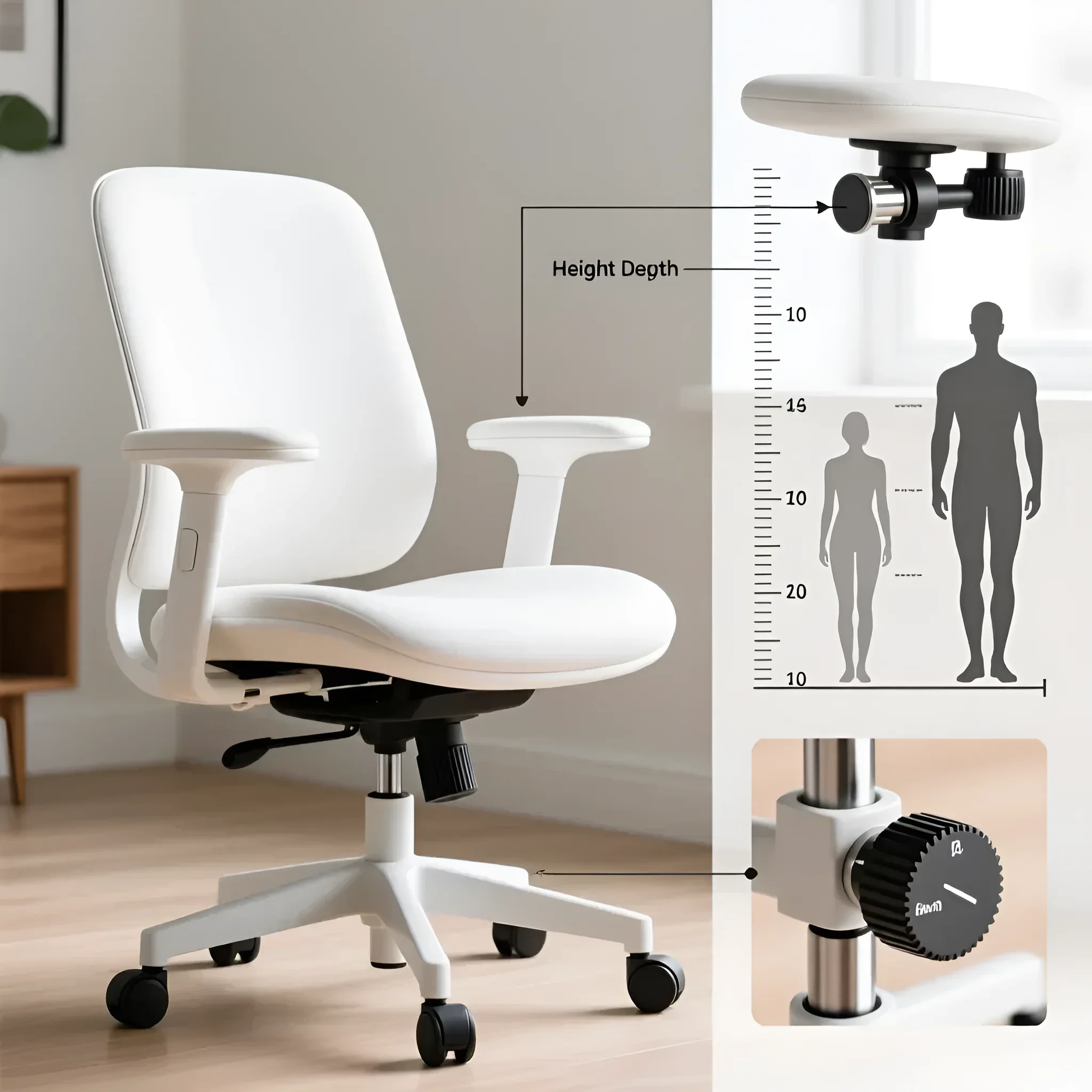
- Adjustable (height and depth): A mandatory feature. Allows precise support adjustment in the L3–L5 vertebral region. For a home study, choose a chair with adjustable lumbar cushion depth (up to 5–7 cm).
2. Armrests:
Armrests should relieve tension in the shoulders and neck. Their height should allow your arms to be at a 90-degree angle to the desk.
- 2D: Height adjustment only. The minimum for comfortable work.
- 3D: Adjustment for height, depth (forward/backward), and angle of rotation. This allows for precise positioning of your arms relative to the keyboard and desk.
- 4D: Adds width adjustment (distance between armrests). Ideal for users of different builds.
3. Seat Depth Adjustment (Slider):
This feature allows you to slide the seat forward or backward. It is critical for proper leg circulation. There should be 5–10 cm of free space between the seat edge and the back of your knees (about a fist’s width). If the chair lacks a slider, it’s only suitable for users of standard height.
4. Headrest:
A home office chair headrest should be adjustable in height and tilt angle. It’s needed not so much for work (you shouldn’t lean on it while typing) as for relaxation and rest during short breaks or phone calls.
Dimensions and Adjustments: Matching the Chair to Your Height and Workspace
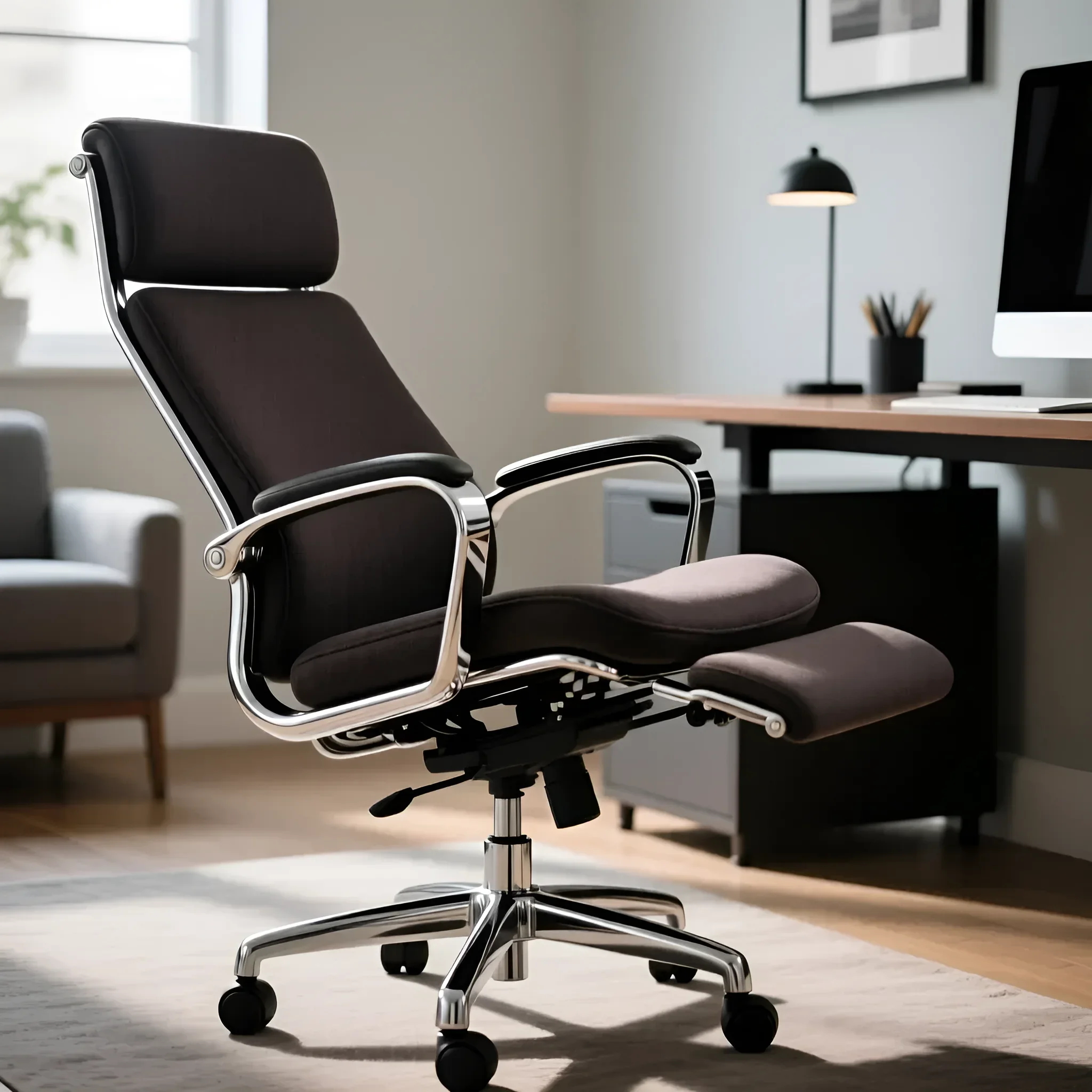
Even the most expensive chair will be useless if it doesn’t fit your anthropometric data and desk dimensions.
Height and Chair Parameter Correlation
Chairs are divided into three conditional size groups based on backrest and seat dimensions:
- S (up to 170 cm): Requires a short seat (depth 40–45 cm) and a low seat height adjustment range (from 40 cm).
- M (170–185 cm): Standard parameters. Seat depth 45–50 cm.
- L/XL (from 185 cm): Requires a deep seat (50–55 cm), a high backrest, and a reinforced gas lift (class 4) to ensure necessary height and weight capacity.
Seat Height Adjustment Technical Specifications
Seat height is adjusted using a gas lift. For home use, a Class 3 or 4 gas lift is recommended (the most reliable).
- Standard adjustment range: 45–55 cm from the floor to the seat edge.
- For a high desk (75–80 cm): You’ll need a chair that can rise to 55–60 cm.
- Correct sitting posture criterion: Your feet should be flat on the floor, and your thighs parallel to the floor or slightly tilted down. Your elbows should rest on the desk or armrests at a 90–100 degree angle.
Considering Workspace Dimensions
Before buying a chair, measure the space it will occupy. The diameter of the base and the height of the backrest are particularly important.
Formula for a Small Study:
If your workspace is limited, choose chairs with a base diameter not exceeding 65 cm. An overly wide base will constantly hit walls or other furniture. Also, pay attention to foldable or flip-up armrests that allow the chair to be pushed under the desk, freeing up passage.
Transformation Mechanisms: Which Options Are Truly Necessary in a Home Study
The chair’s mechanism is its heart. It’s responsible for the ability to change posture, which is critical for preventing stagnation in the body.
Comparison of Main Mechanisms
For prolonged work (over 4 hours a day), we strongly advise against using chairs with a “Piastra” mechanism (height adjustment only).
- 1. Top-Gun (TILT) Rocking Mechanism: The simplest. Allows reclining with fixation in one working position and adjustment of rocking stiffness. Suitable: For work up to 4 hours a day or as a guest chair. Disadvantage: The seat and backrest recline synchronously, which often leads to a “legs-up” effect at a strong tilt.
- 2. Synchronous Mechanism (Synchro): The best choice for a home study. The backrest and seat recline in a specific proportion (e.g., 2:1 or 3:1). This means that when the backrest reclines by 10 degrees, the seat tilts by 5 degrees. Advantage: Maintains the correct angle between the torso and thighs, without constricting vessels. The ability to fix in multiple positions and adjust stiffness is mandatory.
- 3. Multiblock: An advanced synchronous mechanism. It features increased reliability, smoother operation, and the ability to fix in 4–5 intermediate positions. Often used in high-end chairs. Suitable: For the most demanding users working 10+ hours.
- 4. Permanent-Contact: Allows the backrest to constantly support your back, even when you recline. The seat remains stationary. Suitable: For task chairs. This is a basic but effective ergonomic mechanism.
Expert Recommendation: Invest in a chair with a synchronous mechanism. It provides dynamic support, allowing your body to move, which is a key factor for spinal health when working from home.
Care and Maintenance: Extending the Life of Your Stylish Office Chair
Proper care not only preserves the chair’s presentable appearance, which is important for home interiors, but also extends the lifespan of expensive mechanisms.
Mechanism Maintenance
- Gas Lift: If the chair starts to “creak” during height adjustment, the piston may be dirty. Do not try to lubricate it with oil, as this can damage the seals. Usually, it’s enough to wipe the piston with a dry, clean cloth.
- Base and Wheels: Regularly (every 3–6 months) clean the wheels of hair, dust, and small debris. Use silicone lubricant (not WD-40!) to lubricate the wheel axles for smooth rolling.
- Rocking Mechanism: Squeaks often occur at the connection points of metal parts. Use universal silicone lubricant at the attachment points of the mechanism to the seat.
Upholstery Care
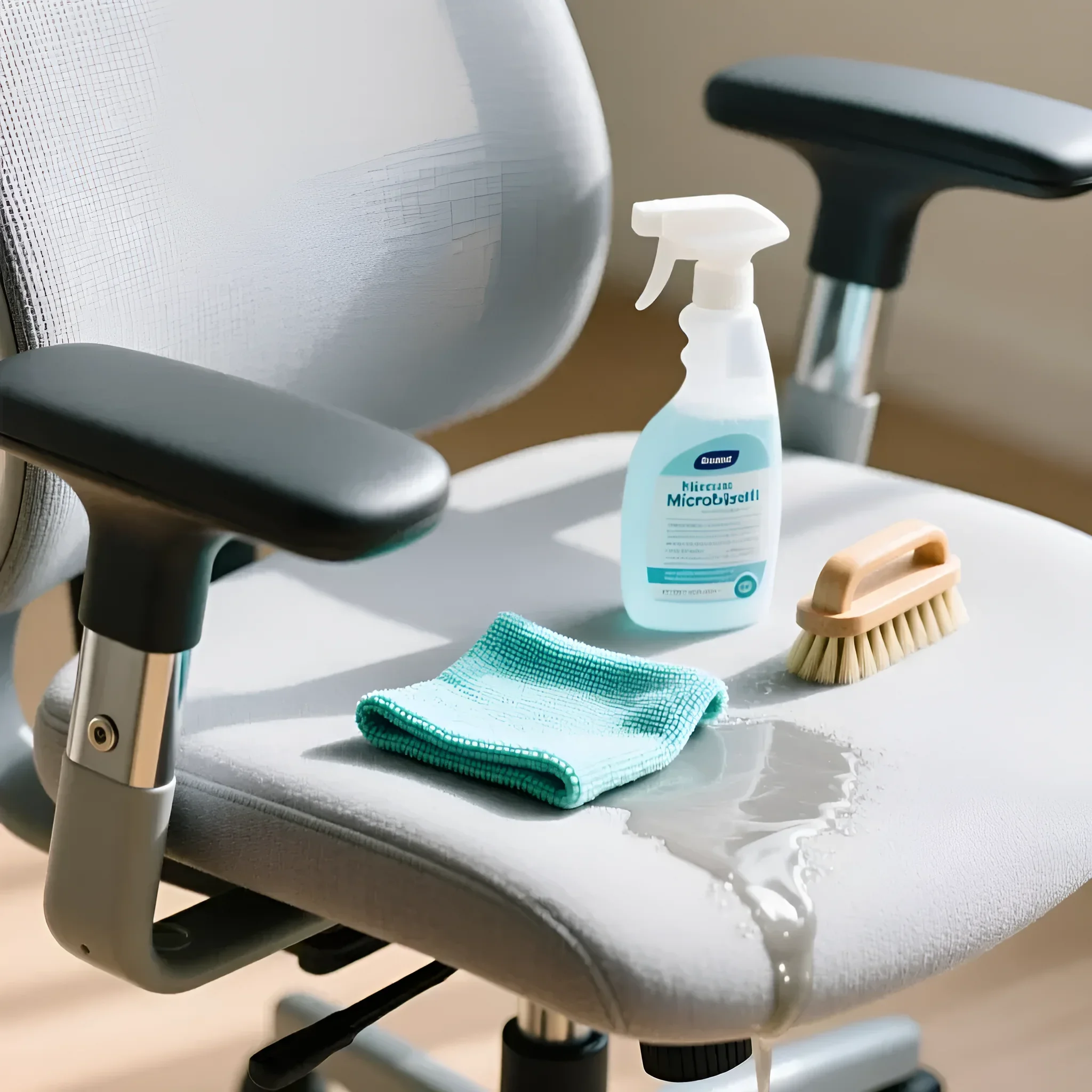
- Mesh: Easiest to care for. Use a vacuum cleaner with a soft brush attachment to remove dust. For stains, use a mild soapy solution and a sponge. Important: do not use aggressive solvents, as they can damage polymer fibers.
- Faux Leather/Genuine Leather: Wipe with a damp (but not wet!) cloth. For genuine leather, use a special conditioner every six months to prevent drying and cracking. Avoid direct sunlight, which accelerates leather aging.
- Textile: Regular dry vacuuming. Remove stains immediately using specialized furniture stain removers or foam cleaners. Always test the product on an inconspicuous area.
Top 5 Mistakes When Choosing an Office Chair for Your Home Study
By avoiding these common mistakes, you’ll save money and ensure comfortable work for years to come.
- Prioritizing Style Over Ergonomics: Choosing a luxurious but non-adjustable executive chair made of thick leather just because it’s “beautiful.” If you sit for more than 4 hours, this will inevitably lead to back pain. Ergonomics should come first.
- Ignoring Seat Depth Adjustment: If you have long legs (height over 185 cm) or, conversely, are short (below 165 cm), the absence of a seat slider will lead to incorrect posture, impaired circulation, or pressure on the popliteal area.
- Buying a Chair with Hard Plastic Wheels for Parquet: Standard hard wheels (casters) scratch wooden floors, laminate, and parquet. For home use, you must immediately replace them with polyurethane (rubberized) casters.
- Underestimating Gas Lift Class: If your weight exceeds 100 kg, buying a chair with a cheap Class 1 or 2 gas lift will lead to its rapid failure and sinking. Always choose Class 3 (up to 120 kg) or Class 4 (up to 150 kg).
- Choosing Too Large a Chair for a Small Desk: Bulky chairs with wide armrests may not fit under a standard height desk (74 cm), forcing you to sit too far from the tabletop and strain your shoulders. Always check the armrest height in the lowest position.
mebeltops Expert Advice: How to Integrate a Chair into Your Home Interior
A chair should be a functional tool, but it shouldn’t disrupt the harmony of your home. Here are some design tricks for integrating an office chair.
1. Color Neutrality
Unlike an office, where bright accents are acceptable, it’s better to stick to a neutral palette at home that doesn’t draw attention:
- Scandinavian Style/Minimalism: Chairs in light gray or beige mesh, with white or polished aluminum frames, are ideal. They appear lighter and airier.
- Loft/Industrial Style: Choose black faux leather or dark mesh with a chrome or matte black steel base.
- Classic/Neoclassic: Models with dark brown or burgundy faux leather upholstery will work, but it’s important that the backrest design is less aggressive than that of a standard executive chair.
2. Focus on Details
Sometimes, replacing just one detail is enough to make an office chair feel more at home:
- Wheel Replacement: Installing rubberized casters with transparent or white housings instead of standard black plastic ones.
- Base: If there’s a choice, prefer polished aluminum or matte chrome over plastic. These materials add elegance to the chair.
- Avoid Logos: Gaming chairs often have bright, embroidered logos. For a home study, look for the “cleanest” models possible.
3. Visual Lightness
If you work in your living room or bedroom, choose chairs that don’t visually take up much space. A mesh backrest allows light to pass through and makes the chair appear less bulky than a chair with a thick leather back. This is a key design trick for small spaces.
Summary: Choosing a chair for your home study is an investment in your health and productivity. Don’t skimp on ergonomic features like a synchronous mechanism and adjustable lumbar support, but at the same time, choose materials and colors that are pleasing to the eye and harmonize with your home.